Merge tax PDFs into one file, free
W-2s, 1099s, receipts, statements — tax season scatters them across a dozen files. Combine them into one clean PDF for your accountant or an upload portal, in the order they expect.
Merge tax PDFs now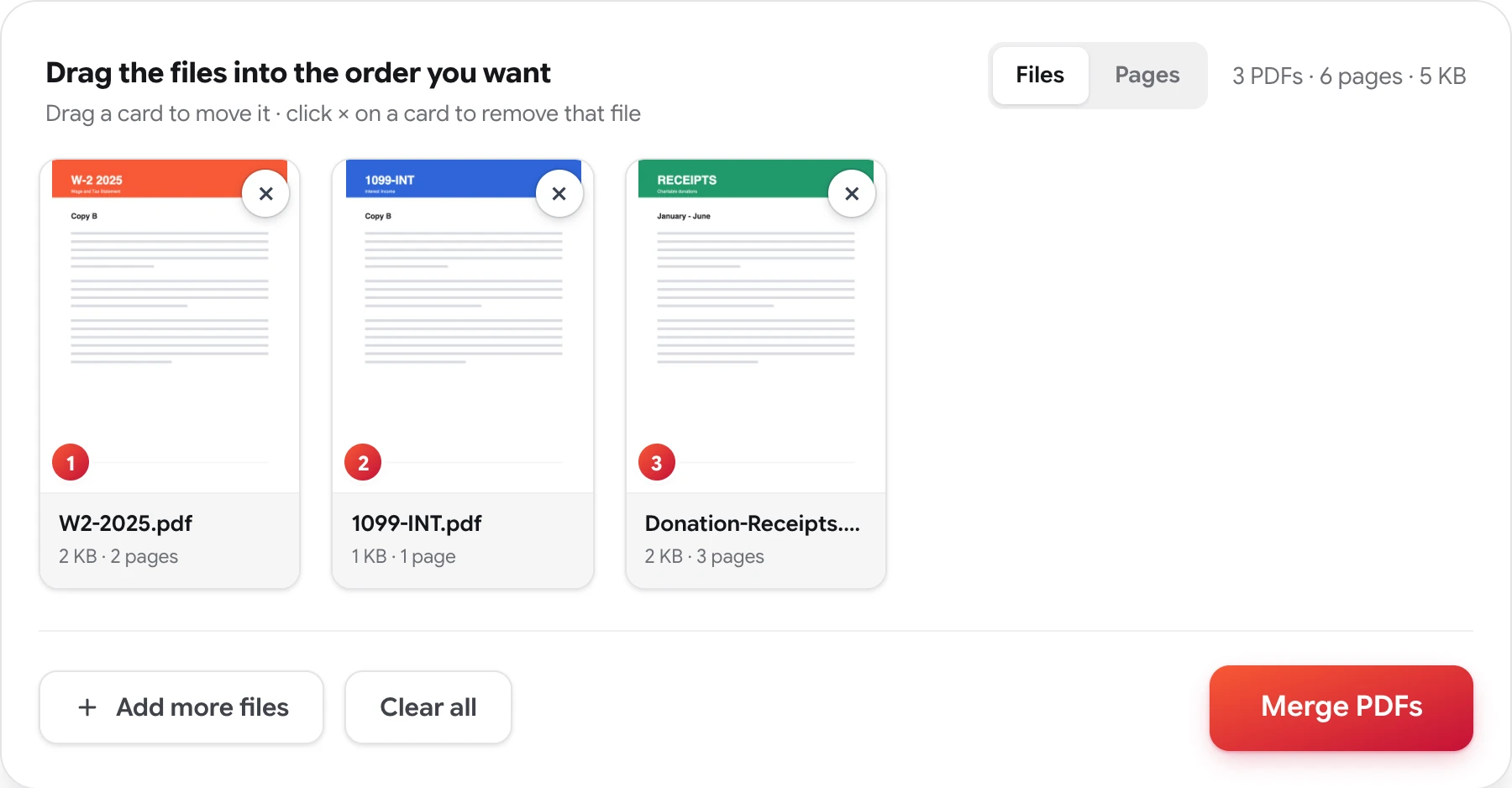
How to merge tax documents into one PDF
Four steps, no account, nothing to install.
-
Gather the PDFs
Drop in everything at once — wage statements, 1099s, receipts, prior returns. Up to 50 files.
-
Put them in order
Drag the cards into the sequence the recipient expects: income forms first, deductions after, or whatever your accountant asked for.
-
Tidy the scans if needed
Switch to Pages to rotate a sideways receipt or drop a blank scanner page before it goes in the packet.
-
Merge and download
Press Merge PDFs and download one document with everything in place — no watermark, nothing added.
One packet instead of fourteen attachments
Tax paperwork rarely arrives as one document. The employer sends a W-2, each bank sends its own 1099, the broker's statement downloads separately, and the donation receipts are photos of paper. Then the person or portal on the receiving end wants the opposite of that: accountants ask for a single organized packet, and plenty of e-filing and lender portals provide exactly one upload slot per section.
Merging solves it: add every file, drag the cards into the order the checklist asks for, and download one PDF. If a scan needs fixing on the way through, the Pages view opens every document into individual pages — rotate the receipt that came in sideways, drop the blank pages the scanner added, or pull just the pages a lender asked for out of a longer statement.
Documents like these are exactly why the privacy stance here is absolute: the files you merge are never stored, reviewed, or shared, and no copy of the merged result is retained. The privacy policy spells that out.
Related: organize a PDF page by page · merge PDF files
Merging tax PDFs — FAQ
Can I merge W-2s, 1099s and receipts into one PDF?
Yes. Any PDFs can be combined regardless of what's in them — wage statements, 1099s, brokerage statements, donation receipts, prior-year returns. Add up to 50 files and drag them into the order your accountant or the upload portal expects.
Is it safe to merge tax documents here?
The documents you merge are never stored, reviewed, or shared, and no copy of the merged file is retained. Tax paperwork is exactly the kind of document that policy exists for — the privacy policy spells it out in full.
Can I fix scanned receipts before merging?
Yes. Switch to Pages and every page becomes its own card: rotate the receipt that scanned sideways, delete blank scanner pages, and put everything in reading order before you download the packet.
Will the merged file work for e-filing portals and accountants?
Yes. The result is a standard PDF that opens in any viewer, with no watermark and nothing stamped on your pages. Text stays selectable and page sizes are preserved, so forms remain as legible as the originals.
Get the packet out the door
Free, private, and done in seconds — no sign-up, no watermarks.
Merge tax PDFs now